
Math Editor
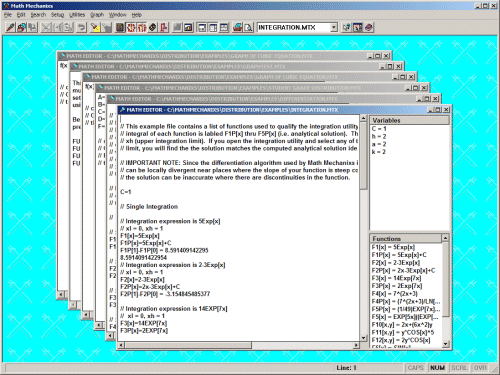
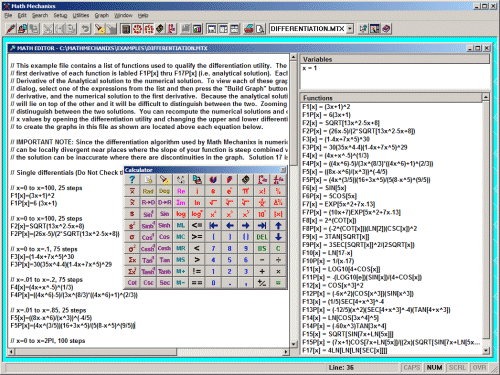
The Math Editor is the core of Math Mechanixs. This utility provides a workspace where you can compute mathematical expressions and document your work while also tracking your variables and functions.

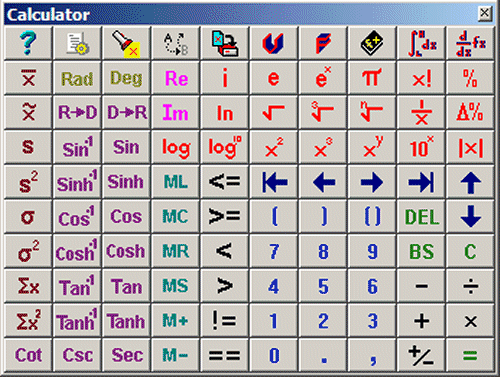
Calculator
The Calculator includes a trigonometric and statistics section, various log functions, memory functions similar to a standard calculator, short cuts to other utilities such as the integration and differentiation utilities along with numerous other options.
Function Solver
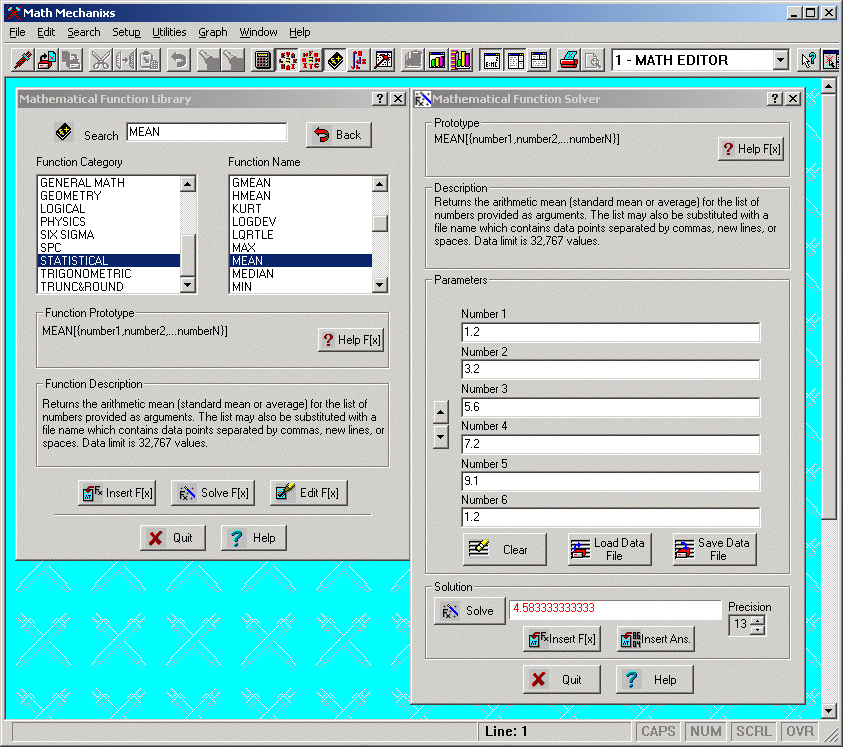
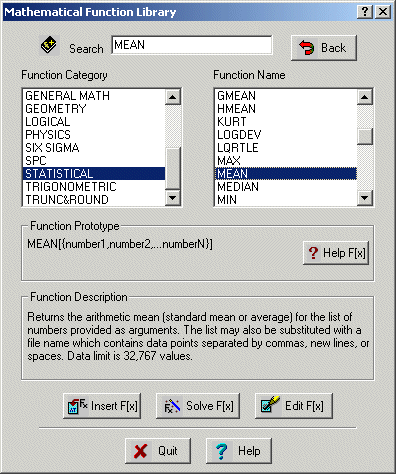
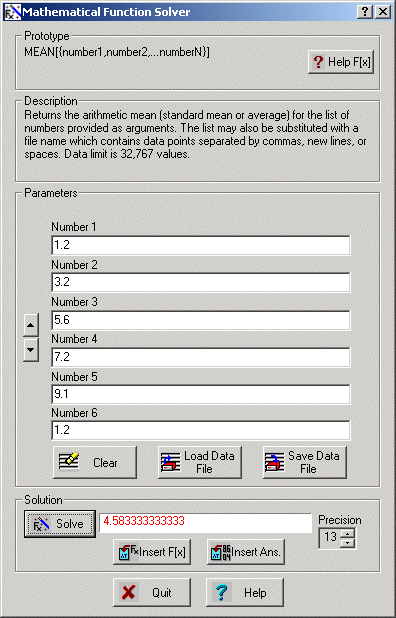
Our Function Solver is a unique feature of Math Mechanixs. Any function in the library can be inserted into the Math Editor or into the Functions Solver as shown below. It allows the user to solve any function in the library quickly, and edit the parameters on the fly. No complex inputing is required, unlike MS Excel. Answers, quick and easy. Math Mechanixs includes an extensive list of functions from a broad range catagories. You can also add your own functions and catagories to this library too.
Root Finding
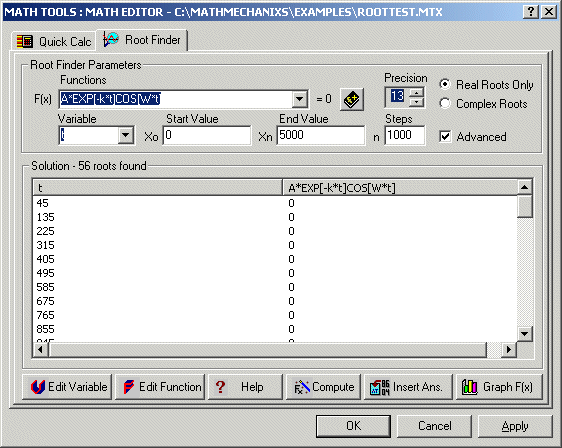
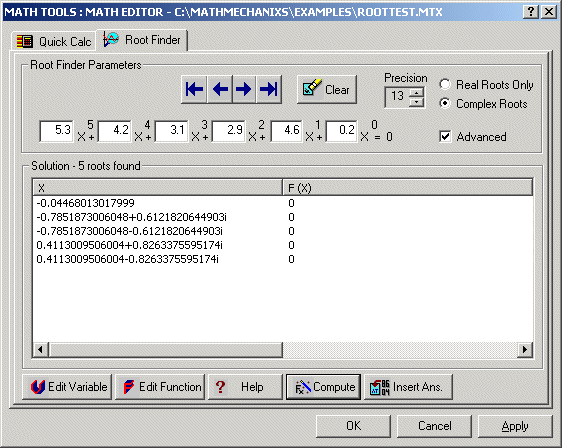
The Root Finding utility allows you to quickly find the real roots of any function or mathematical expression or find the complex roots of polynomials.
Integration
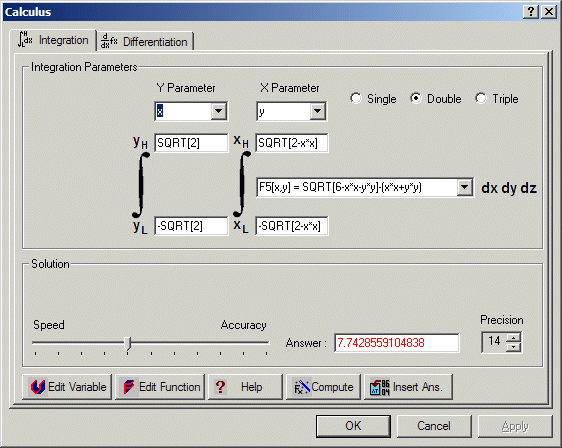
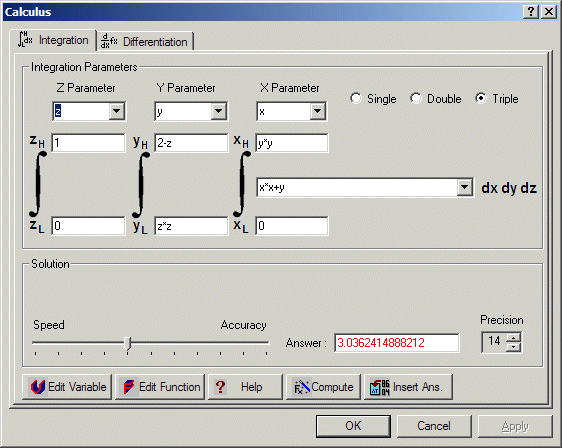
The Calculus utility is our latest feature. The Integration utility performs single, double and triple integrals!

Differentiation
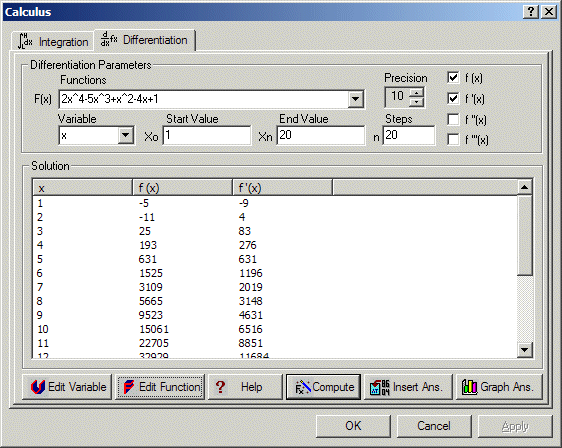
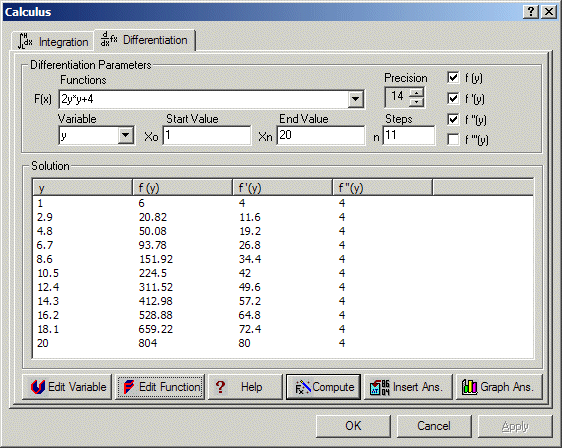
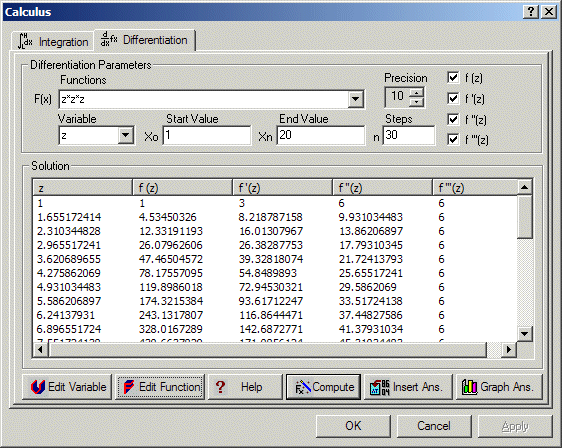
The Differentiation utility performs single, double and triple differentials.
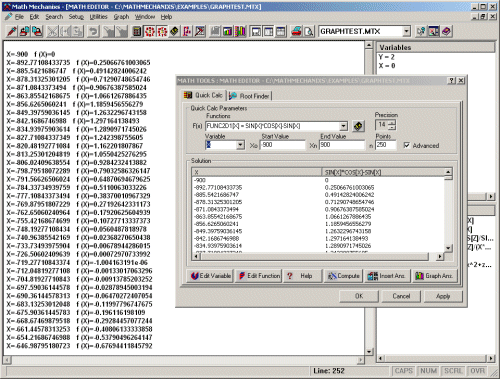
Quick Calc
The Quick Calc feature allows you to quickly and easily compute functions and expressions over a specified range and graph the solution.

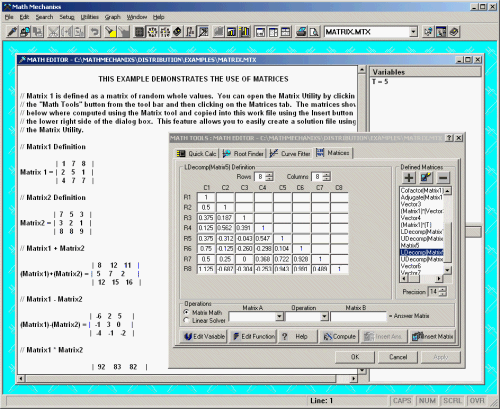
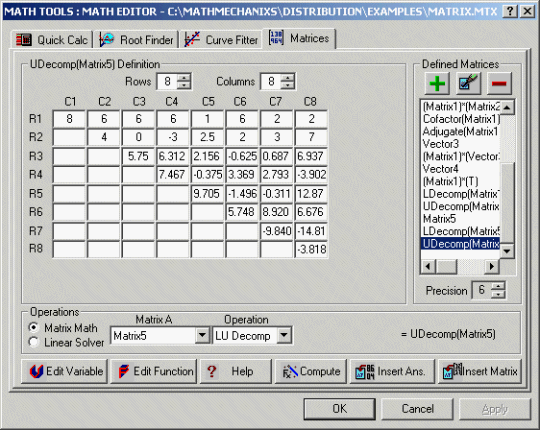
Matrices
Released in version 1.5.0.1, the Matrix utility supports a variety matrix functions including inverse, transpose, determinants just to name a few, plus a linear equation solver. This utility promises to make matrix mathematics a snap.
Curve Fitting
Released in version 1.4.0.1, Curve Fitting has applications in many aspects of Engineering, Quality Assurance and Manufacturing.


Graphing
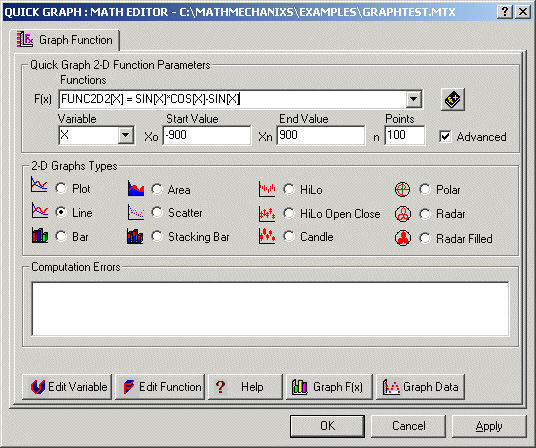
The Graphing features include a Quick Graphing utility that makes graphing of 2D functions and expressions a snap. Just enter a mathematical expression, the x-axis variable, and the start and end values along with the number of points and click the graph button.
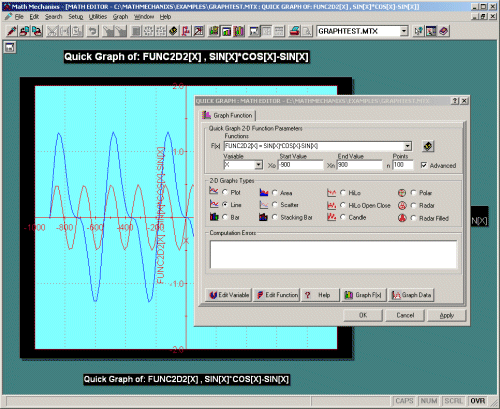
Graph Samples
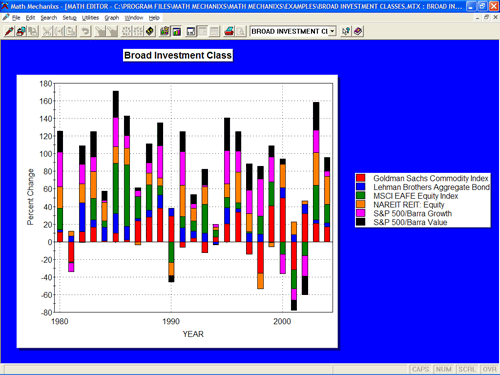
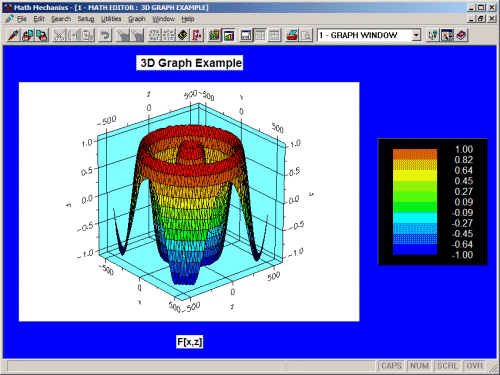
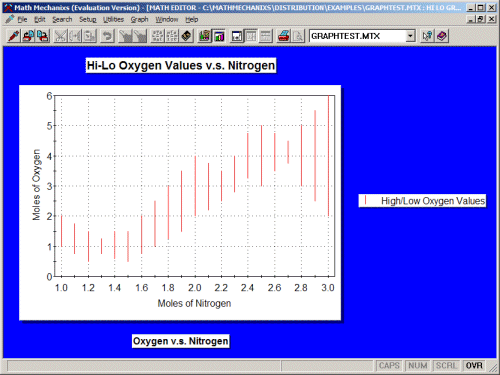
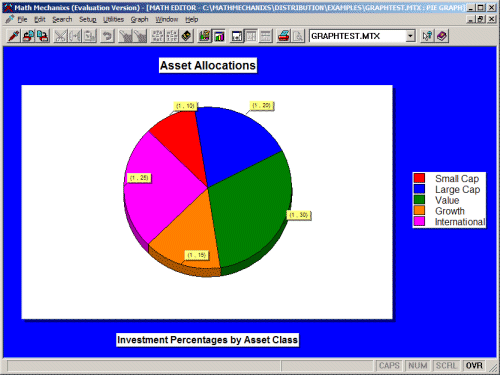
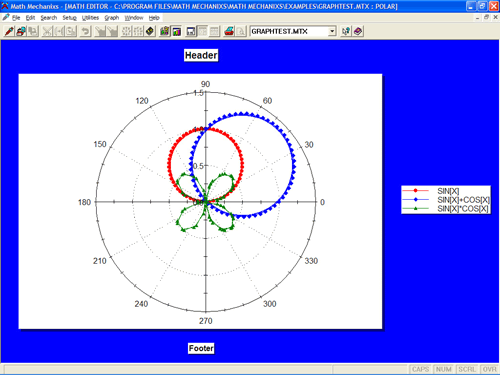
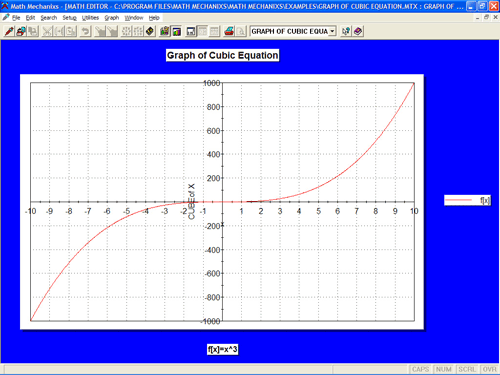
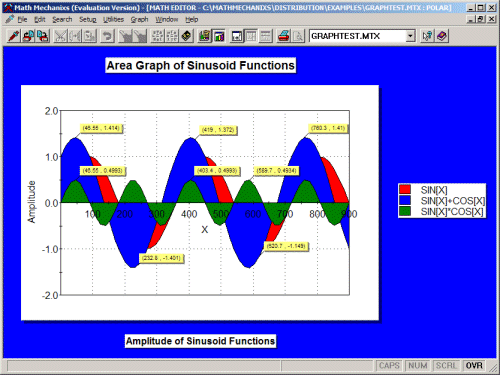
Below is a very small sampling of graphs in both 2D and 3D.



Back to Top | E-mail to friend | Affiliates